Route calls to the right people
Use queues, ring strategies, agent groups, schedules, IVR and overflow rules so customer calls have a defined route rather than relying on manual transfers.
Use Yeastar P-Series to bring inbound queues, agent tools, supervisor visibility, reporting, outbound workflows and supported digital messaging into the same communications platform.
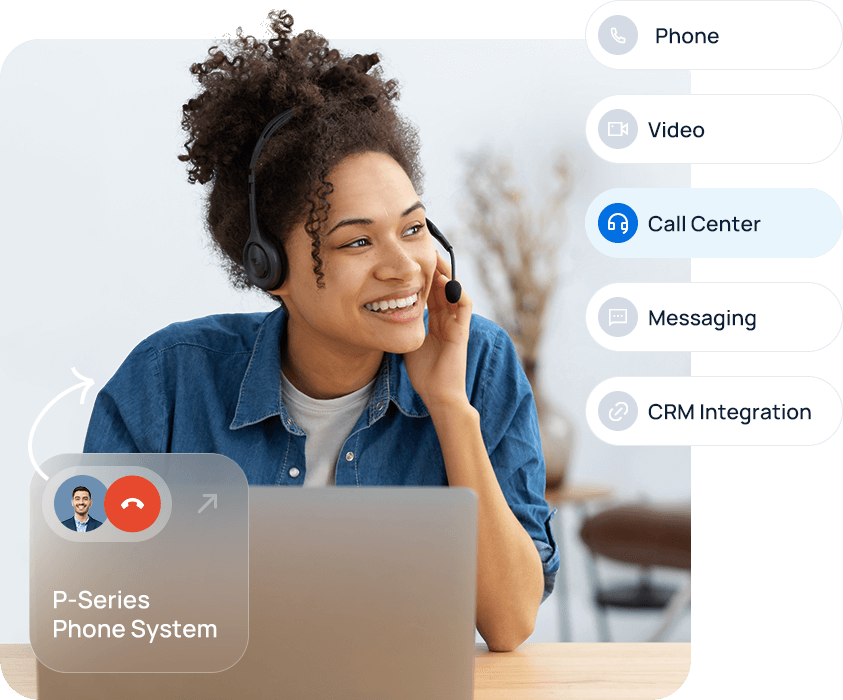
A standard phone system can ring a team. A contact centre solution goes further by controlling how work reaches agents, what supervisors can see, what happens when demand peaks and how performance is reviewed afterwards.
Use queues, ring strategies, agent groups, schedules, IVR and overflow rules so customer calls have a defined route rather than relying on manual transfers.
Plan announcements, queue position information, callbacks and overflow behaviour around how long customers are willing to wait and when another route is better.
Give supervisors real-time visibility through queue panels and wallboards, with agent status and queue activity available without waiting for an end-of-month report.
Use queue and agent reports to review missed calls, answer performance, activity and recurring pressure points, then adjust staffing and call flow based on evidence.
For the right SME, the advantage of Yeastar is that contact centre functions can sit inside the same P-Series environment as normal extensions, Yealink phones, Linkus users, SIP connectivity and wider business call handling.
This is useful when only part of the company operates as a service desk, sales queue, booking team or customer support function. Reception, office users and mobile staff do not have to be forced into the same agent workflow.
Explore Yeastar P-Series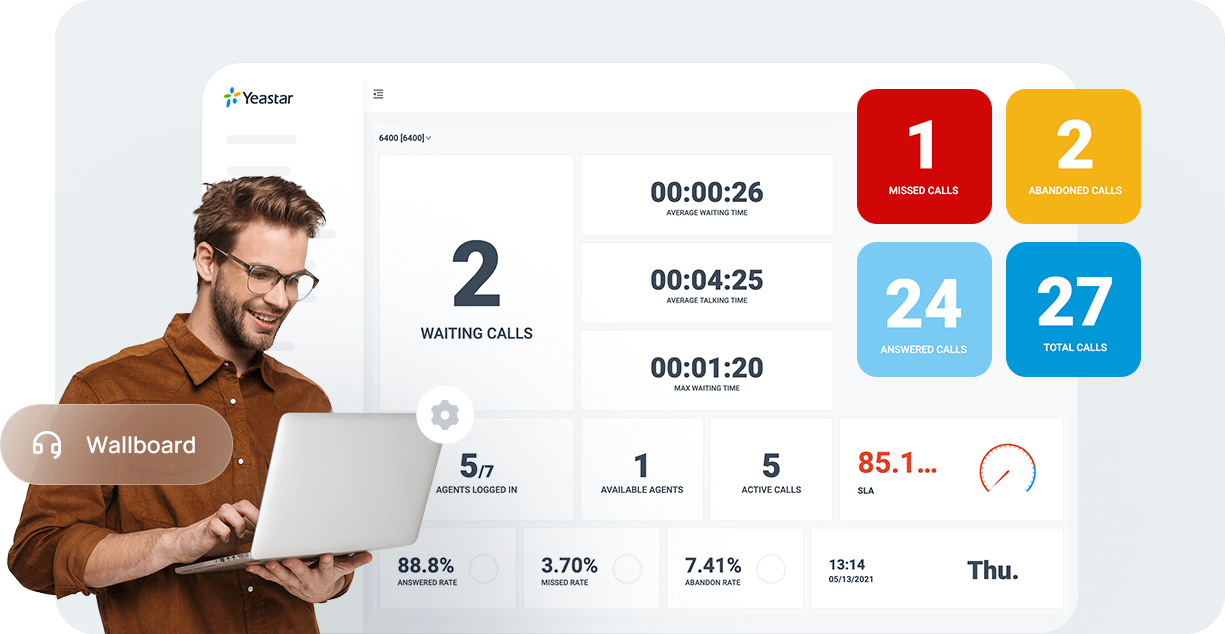
Separate sales, service, booking, accounts and specialist enquiries so each queue has a clear purpose and owner.
Define agent groups, opening hours, queue behaviour, overflow, voicemail and callbacks before the first number is moved.
Choose the wallboard, queue panel and reports that help managers act during the day instead of collecting data nobody uses.
Use real queue demand, missed-call patterns and agent activity to refine the call flow once the team has worked with the system.
Not every contact centre needs every channel. We start with the customer journeys you actually support and then use the Yeastar capabilities that remove friction.
Supported P-Series contact centre configurations can add outbound queues and campaign workflows for teams that make structured customer calls.
Supported deployments can bring channels such as website live chat, SMS, WhatsApp and Facebook into an agent workflow alongside voice.
Connect supported CRM, helpdesk or data systems so agents can reduce duplicate lookups and keep communication closer to the customer record.
Linkus clients allow supported agents to work from desktop, web or mobile while the queue and supervisor layer stays centrally managed.
You do not need hundreds of agents to benefit from contact centre functions. A smaller call centre, booking team or service desk can need the same queue visibility and reporting when customer conversations are business-critical.
Distribute inbound demand, monitor unanswered work and give supervisors a clear view of customer response.
Route new enquiries quickly, use reporting to identify missed opportunities and support structured outbound activity where required.
Handle peaks around appointments, reservations, deliveries or service bookings without losing visibility when call demand rises.
We will map the queues, agents, channels, reporting and integrations you actually need, then design the Yeastar setup around them.
Contact centre functions normally sit on top of the core phone system, endpoints and connectivity rather than replacing them.
See the PBX platform behind queues, Linkus, integrations and wider business calling.
Size external voice capacity around simultaneous calls and resilience requirements.
Bring business voice, desktop and mobile users into a more consistent communications workflow.
These are the practical points we normally clarify before designing the queue and agent setup.
A business phone system connects users and routes calls. A contact centre setup adds the tools needed to manage higher customer-contact volumes, including agent queues, supervisor visibility, wallboards, reporting and more structured inbound or outbound workflows.
Yes. Supported Yeastar P-Series deployments can provide inbound queues, automatic call distribution, queue announcements, callbacks, agent status controls, supervisor tools, wallboards and reporting. We design the exact queue behaviour around your team.
Supported P-Series contact centre deployments can include outbound queues and campaign workflows. The right setup depends on your edition, software version, calling process and compliance requirements, so we confirm those before design.
Yeastar P-Series supports digital messaging capabilities on supported editions and configurations, including channels such as website live chat, SMS, WhatsApp and Facebook. We confirm which channels are appropriate and available for your deployment.
Yes. Depending on the design, agents can work through supported Linkus web, desktop or mobile clients while supervisors retain visibility of queue activity and agent status.
In most migrations existing UK business numbers can be ported. We validate the numbers, current provider details and destination routing before agreeing the cutover plan.
Yeastar supports a range of CRM, helpdesk and data integrations. We check the application you use and design the call handling and customer-information workflow around supported integration options.
No. An SME may need contact centre features with a relatively small service, booking, sales or support team if call queues, response visibility and reporting are important to the business.