A clear support boundary
Know who owns platform changes, handset configuration, number issues and carrier escalation.

Choose a managed business telephony service when you want the provider to look after the platform, moves and changes while your team focuses on using it.

For SMEs without a dedicated voice engineer, day-two support matters as much as day-one features. The service should make user changes, call-flow updates, fault ownership and growth predictable.
Know who owns platform changes, handset configuration, number issues and carrier escalation.
Add starters, leavers, groups and opening-hour changes without running specialist infrastructure.
Decide how inbound calls behave if a site or connection is unavailable.
Use a managed model that can accommodate new users or sites without a complete phone-system replacement.
Hosted telephony can reduce the day-to-day technical burden, but the user experience still depends on sensible call flow, endpoint choice, number migration and a support process that people can actually use.
Browse Yealink handset options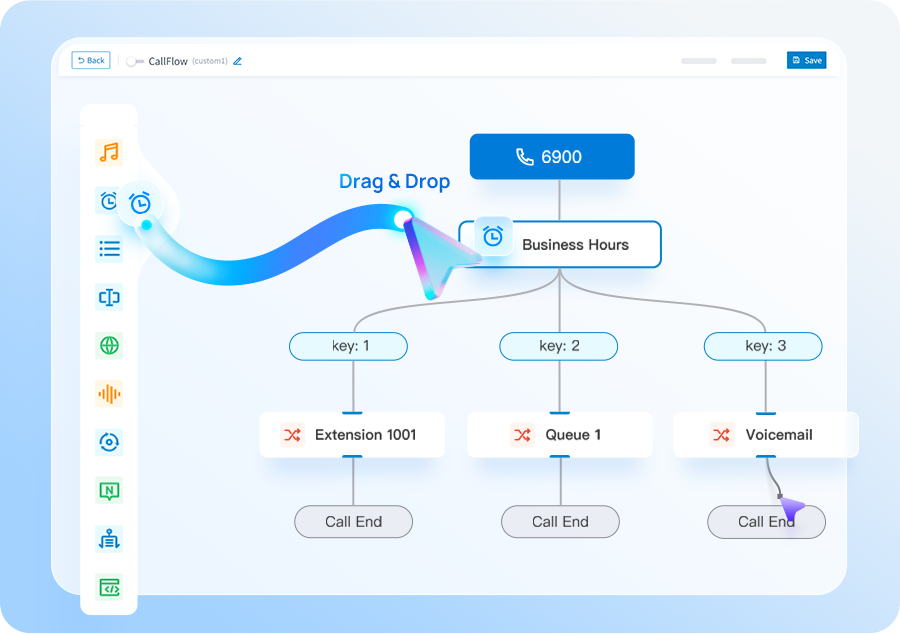
Define response needs, admin responsibilities and the changes you expect during a normal month.
Agree users, groups, reception flow, overflow, voicemail and out-of-hours behaviour.
Select Yealink handsets and softphones by role, then preconfigure before deployment.
Use real call patterns to refine queues, routing and user setup.
Hosted telephony works well for SMEs that want a managed phone service without maintaining PBX infrastructure themselves.
Your SME wants one supplier to design, migrate and support the business phone environment and you do not want to maintain PBX infrastructure internally.
If your priority is specifically a cloud-hosted PBX architecture, see Cloud PBX. If you want a Yeastar P-Series platform with deployment choice, compare the Yeastar page.
Tell us what you have today and what needs to improve. We’ll explain the options and recommend the setup that best fits your business.
We plan number porting, call flows, connectivity and user training before the system goes live.
These pages cover the questions that usually sit next to this decision, without making you work through a glossary first.
We’ll use the information to size the setup and make the first conversation useful.
Use these guides to understand migration, system options and capacity before you get in touch.
Cloud, appliance/software and Yeastar + Teams integration compared by operating model.
See the main stages involved in moving business numbers to a new provider.
Estimate a sensible starting point from concurrent-call demand rather than user count alone.
Short answers to the questions we are most often asked about this type of system.
It is a managed business phone service where the core telephony platform is hosted rather than maintained as traditional PBX hardware at your office.
That depends on the service design. We agree which changes your administrators can make and which changes Zero will manage for you.
Yes. A mixed endpoint design often makes sense: fixed roles can use Yealink handsets while hybrid or mobile users use supported softphone clients.
In many cases yes. Number ranges are checked for portability and the port is planned as part of migration.