Keep a purpose-built endpoint
Reception and transfer-heavy users may still prefer a Yealink handset or a dedicated Linkus workflow rather than handling every call inside Teams.

Keep Yeastar as the phone system while selected users make and receive business calls from Microsoft Teams, Yealink desk phones or Linkus.
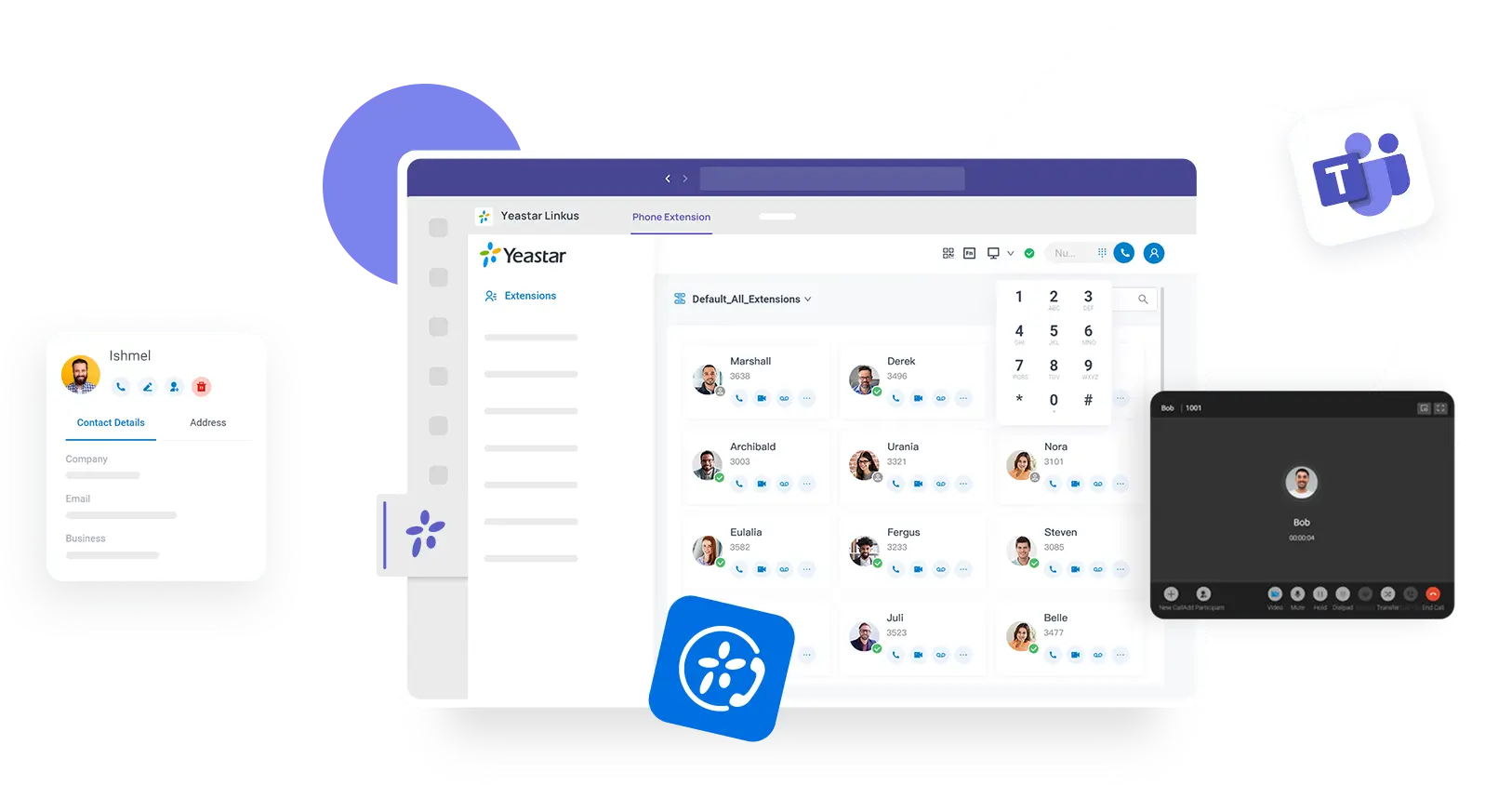
Yeastar documents a direct Microsoft Teams integration for P-Series where Linkus is embedded in Teams. In that supported configuration, users can make and receive calls through the PBX, view call history and access voicemail/recordings without leaving Teams.
The exact requirements depend on the Yeastar P-Series edition, software version and your Microsoft 365 environment. We confirm compatibility first, then recommend the integration route that fits your users and existing setup.
It is strongest when a business wants Yeastar’s PBX features and endpoint flexibility, but has a subset of people who already live in Teams for chat, meetings and collaboration. Reception, warehouse or shared-space users can still use Yealink devices while office or hybrid users work from Linkus or Teams.
A mixed endpoint strategy is often the cleanest approach. Use Teams for the people who already spend the day there, Linkus for users who want a dedicated business-calling client, and Yealink handsets for roles where a physical phone remains faster or more reliable.
Reception and transfer-heavy users may still prefer a Yealink handset or a dedicated Linkus workflow rather than handling every call inside Teams.
Users who live in Teams for meetings and chat can reduce app-switching by bringing supported Yeastar calling into the same workspace.
Linkus desktop, web and mobile clients remain useful for users who need PBX calling without making Teams their main phone interface.
Meeting rooms, reception points, warehouses and shared desks can keep physical endpoints while individual users work through apps.
The objective is not to turn Microsoft Teams into the entire phone system. It is to let the right users work from Teams while Yeastar continues to provide the PBX logic, business numbers and wider call handling.
Send the result and a little context. We’ll map it to Yeastar P-Series, Yealink endpoints, SIP connectivity and any Teams integration you actually need.