One extension across devices
Give users a consistent business identity whether they answer from a Yealink handset, Linkus desktop client, web client or mobile device.
Bring Yeastar P-Series, Yealink phones and Linkus clients into one joined-up user experience, with presence, messaging, meetings and integrations added where they improve the way your team works.
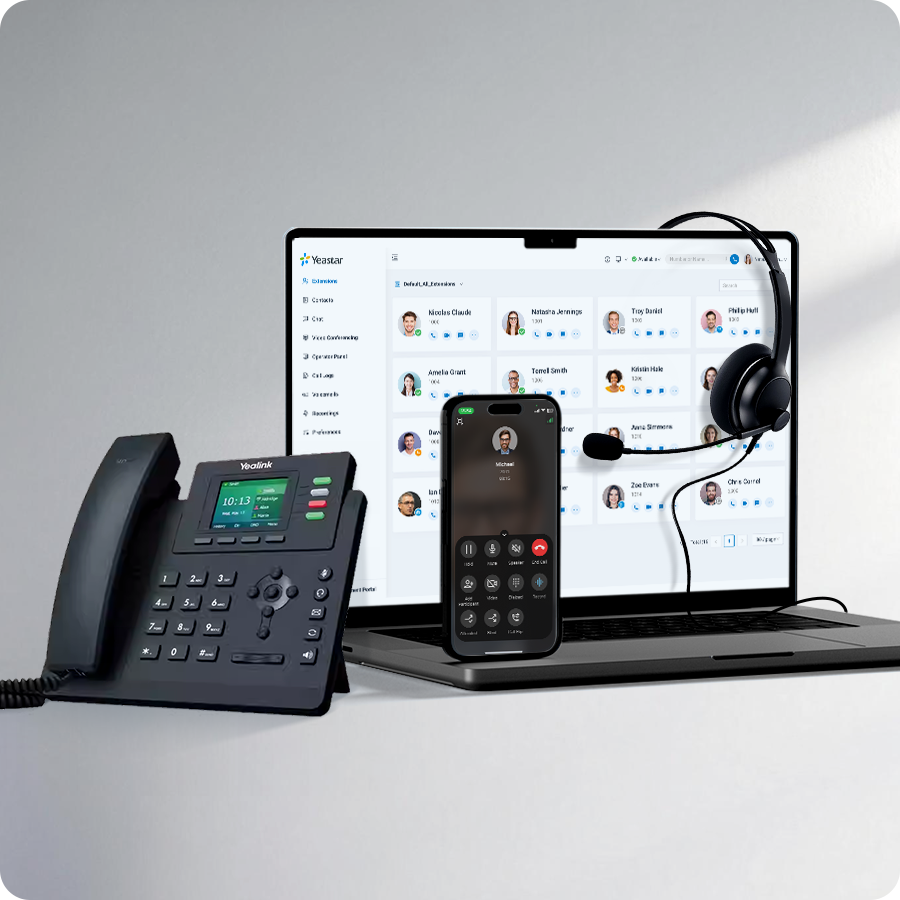
The goal is not to add more apps. It is to reduce the gaps between office phones, remote users, mobile staff and the systems they already work in. In cloud deployments this is often described as UCaaS, or Unified Communications as a Service.
Give users a consistent business identity whether they answer from a Yealink handset, Linkus desktop client, web client or mobile device.
Use supported presence and status information to reduce blind transfers and make it easier for teams to see who is available.
Use supported Linkus messaging, conferencing and collaboration features when they simplify work rather than duplicating tools the team already has.
Bring supported CRM, Microsoft 365, Teams and other integrations into the communications workflow where they save time or improve customer context.
Reception may need a physical phone and clear call visibility. A hybrid account manager may prefer a laptop and mobile app. A warehouse user may need DECT. A Teams-heavy user may benefit from integration into Microsoft Teams.
A good unified communications design connects those roles to the same phone-system core without forcing the entire company into one interface.
Browse Yealink endpointsSeparate reception, fixed desks, hybrid users, mobile teams, shared spaces, contact centre agents and administrators.
Decide where Yealink phones, DECT, Linkus desktop, web, mobile or supported Teams integration make the most sense.
Build numbering, auto attendants, groups, queues, opening hours and failover around the business rather than around individual devices.
Add supported integrations only where they reduce duplicate work, provide customer context or make administration easier.
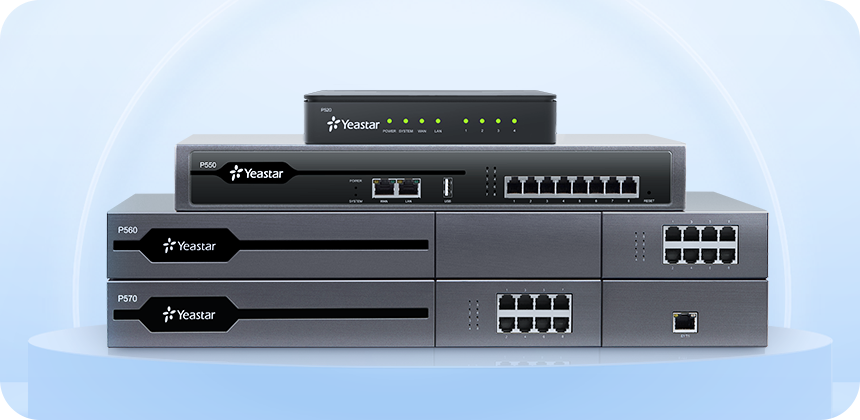
Yeastar P-Series combines business phone-system features with Linkus clients for desktop, web and mobile users. That makes it possible to give different roles different interfaces while keeping numbering and call handling under one platform.
For reception, shared areas and users who benefit from a dedicated physical endpoint.
For laptop, web and mobile users who need their business extension away from a fixed desk.
For supported users who want PBX calling available inside the Teams environment they already use.
Unified communications is most valuable when the business has several ways of working that still need to behave like one company phone system.
Keep extensions, call routing and administration consistent across locations while allowing each site to use the devices it needs.
Let staff answer from the workplace, home or mobile without presenting a different business identity to customers.
Add queues, agent workflows and supervisor tools for customer-facing teams without turning every extension into a contact centre seat.
Use supported integrations where communications data should sit closer to customer records or internal workflows.
We will map the roles, locations, devices and integrations, then recommend the Yeastar and Yealink setup that fits.
Unified communications normally combines the phone-system core with the right endpoint, connectivity and customer-service layers.
PBX, call routing, Linkus clients and integrations in one business communications platform.
Add queues, agents, supervisor visibility and supported messaging channels where customer demand needs more structure.
See how selected users can work inside Teams while Yeastar remains the phone-system core.
Start with users and workflow, then decide which UC features are worth introducing.
It means bringing business calling and supported collaboration tools into a more consistent user experience instead of managing separate systems for desk phones, softphones, mobile users, presence and related workflows.
UCaaS means Unified Communications as a Service, where communications capabilities are delivered as a managed cloud service. We focus on the practical Yeastar deployment and user experience rather than treating UCaaS as a package label.
No. Microsoft Teams is one collaboration platform. A Yeastar-based unified communications setup can use Linkus across desktop, web and mobile, Yealink desk phones and, where appropriate, supported Microsoft Teams integration for selected users.
Yes. Unified communications does not mean removing every physical handset. Reception, fixed desks and shared areas can continue to use Yealink phones while other users work from Linkus or supported integrations.
Yes. A suitable Yeastar deployment can centralise users, extensions and call routing across multiple locations while giving each site the endpoint mix and call flow it needs.
Yeastar supports a range of CRM and business-system integrations. We check the system you use and recommend the supported workflow that provides useful customer context without adding unnecessary complexity.
Yes. Where customer-facing teams need queues, agent tools, wallboards, reporting or supported digital messaging, Yeastar contact centre capabilities can sit alongside the wider UC environment.